Turn YouTube Shorts Into MP3 Music Instantly
A youtube shorts music downloader lets you pull the sound from any Short and save it as a standalone MP3 file in seconds. Instead of downloading a full video just to mute the picture, you get clean audio extraction with nothing else attached. This works for trending sounds, original creator voiceovers, or short music clips people want to keep before a Short disappears from their feed. The process needs no sign-up and no browser extension, just a link and a click. Quality options range from 128kbps up to 320kbps, covering everything from casual listening to editing-ready audio. Creators, podcasters, and everyday users all rely on the same simple workflow to save sound they actually want.
What Is a YouTube Shorts Music Downloader
Think of it as a filter. It takes a Short, strips away the picture, and hands you the audio extraction on its own. That's the whole idea behind a youtube shorts music downloader, and it's why so many people search for one every single day. If you're comparing options, our Shorts to MP3 converter breaks down exactly how the conversion engine handles different video lengths.
Most people don't want the video at all. They heard a sound, a beat, or a funny voice line, and they want to keep just that. A YouTube Shorts downloader built for audio saves you from downloading a full video just to mute the picture later. Creators use it for background music extraction. Podcasters use it for sound bites. Regular folks use it to save a song before it disappears from their feed.
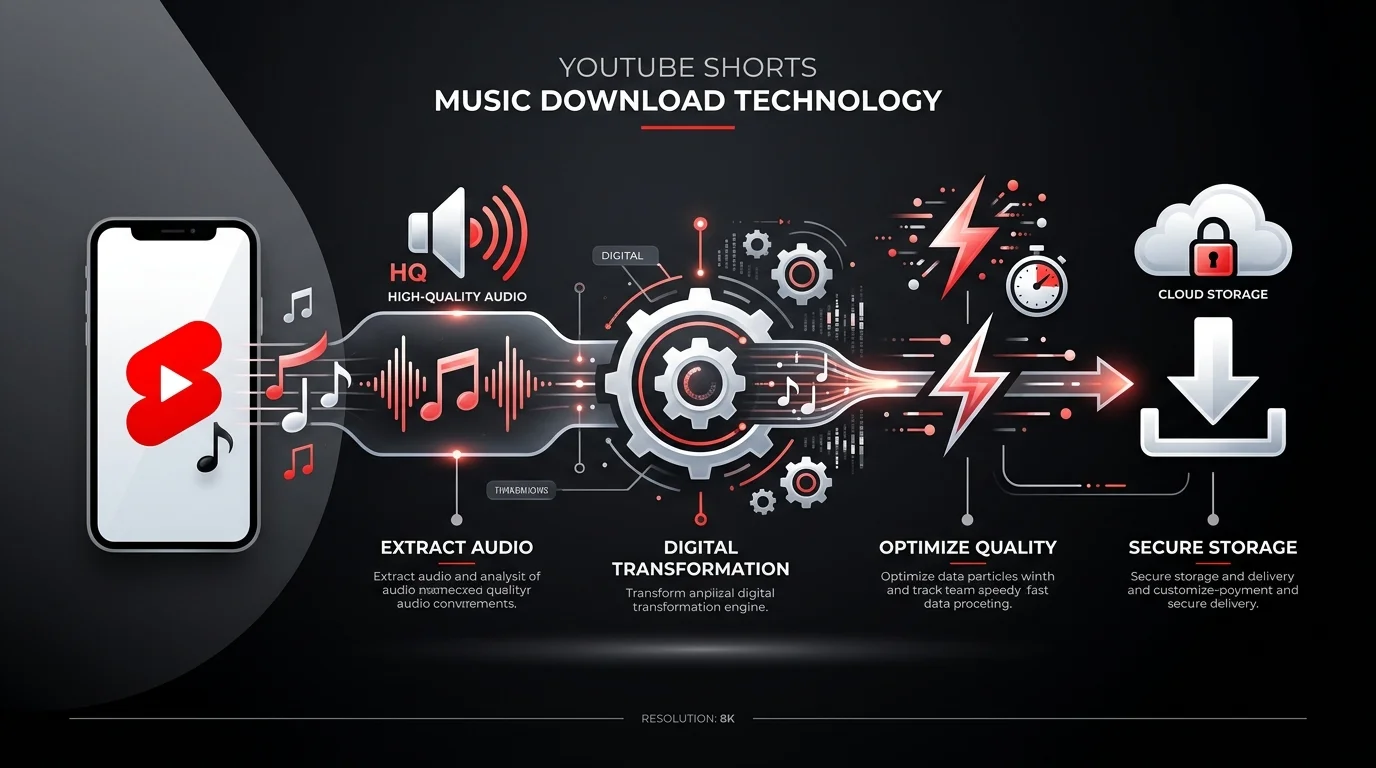
How to Download Music from YouTube Shorts (Step-by-Step)
The process is short, much like the videos themselves. Four steps, and you're done. No account. No waiting room. Just paste and go.
Copy the Shorts Link
Open the Short on your phone or browser. Tap the share icon, then choose "Copy Link." That's it. On desktop, right-click the address bar and copy the full URL. This works the same on Windows, macOS, and Linux, so the device you're using barely matters.
Paste the URL into the Tool
Drop that link into the input box on our homepage. There's no sign-in wall here. No email required. You paste, and the tool reads the link almost instantly, ready for the next step.
Select MP3/Audio Format
Choose MP3 from the format menu. This is the moment where quality matters, and we'll cover bitrate choices in detail further down. Pick a number, and move on.
Download the Music File
Hit convert. Because Shorts run under 60 seconds, the file is tiny, so the fast conversion speed is honestly one of the best parts of the whole experience. Most downloads finish in under ten seconds, even on average home internet. For a deeper look at saving audio specifically, check our guide on downloading Shorts audio.
Why Use Our YouTube Shorts Music Downloader
Plenty of tools claim to do this job, but not all of them do it cleanly. Some bury the download button under five ad pop-ups. Others quietly install junk on your device. A good youtube shorts music downloader should never make you work for the file you came for.
Here's the honest difference: speed, cleanliness, and cost. No hoops, no invasive scripts, no confusing upsells hiding the real download link.
No Watermarks, Pure Audio Extraction
Some converters stamp a logo or a jingle onto your file. That's not what you asked for. A clean video to audio extraction means the MP3 you download is exactly the sound from the Short, nothing added, nothing removed.
Fast, Batch-Friendly Downloads
Got ten Shorts saved for later? A proper batch download feature lets you queue several links at once instead of babysitting one download at a time. This alone saves creators hours over a busy week.
Free with No Hidden Limits
There's no daily cap, no "upgrade to premium" wall halfway through your third download. Free means free, plain and simple.
Supported Audio Formats and Quality
Not every MP3 is created equal. Bitrate decides how much detail survives the conversion, and picking the right one depends on what you're using the file for.
Bitrate | Best For | File Size |
|---|---|---|
64kbps | Voice notes, quick clips | Smallest |
128kbps | Everyday listening | Small |
192kbps | Casual music saving | Medium |
256kbps | Editing and remixing | Larger |
320kbps | Professional-grade audio | Largest |
MP3 (128kbps–320kbps)
Most people land somewhere in the middle. 128kbps sounds fine on phone speakers. 320kbps is closer to studio-grade, ideal if you're dropping the clip into an edit or a podcast intro. Our full 320kbps converter guide walks through when the extra file size is actually worth it.
High-Quality Audio Extraction
A properly built downloader avoids double compression. That means the tool grabs the original stream and converts it once, so you get crystal clear audio instead of a muddy, over-processed copy.
Original Sound vs. Trending Sound Downloads
This trips people up constantly. A Short's audio is either the creator's own voice or camera sound, known as "original sound," or it's a licensed track pulled from YouTube's built-in library, known as a "trending sound." Original sound downloads cleanly every time. Trending sounds sometimes carry licensing restrictions, which is why a song title occasionally shows up blank or generic in the file's metadata.
Is It Safe and Legal to Download Shorts Music?
Fair question, and one worth answering honestly instead of glossing over. Safety comes down to two things: what happens to your data, and what the law actually says about downloading in the first place.
Data Privacy — No Storage, No Tracking
A trustworthy tool processes your file and forgets it. No cloud storage, no server logs tied to your identity, no data tracking scripts running quietly in the background. Privacy-first design means the tool works for you, not the other way around.
Copyright and Fair-Use Considerations
Downloading a Short for personal use, like listening offline or referencing a sound later, generally falls under fair, everyday use. Reselling that audio or uploading it as your own original work is a different story entirely, and it can run into real copyright trouble. According to YouTube's official Terms of Service, content belongs to its original creator regardless of how it's downloaded, so always credit or license appropriately if you plan to reuse it publicly.
Use It on Any Device (No App Needed)
Universal compatibility is the whole point of a browser-based tool. You shouldn't need a separate app for every device you own.
iPhone & Android
On iPhone, after the file converts, tap the download arrow and choose "Save to Files." On Android, the MP3 lands automatically in your Downloads folder, ready to open in your music app of choice. Both iOS and Android handle this smoothly through Safari or Chrome without a single extra install.
Desktop & Browser Extensions Not Required
Zero installation means no browser extensions cluttering your toolbar, no plugin permissions to approve, and no software update nagging you every other week. Open the site, do your thing, close the tab.
YouTube Shorts Music Downloader vs. Other Tools
Browser extensions promise convenience but often come loaded with tracking scripts. Desktop apps work offline but demand installation and storage space. A dedicated Shorts to MP3 converter running entirely in-browser tends to strike the best balance for most people. If you want the full breakdown of every option, our dedicated YouTube Shorts downloader comparison covers each tool type in more depth.
Feature | Browser-Based Downloader | Browser Extension | Desktop App |
|---|---|---|---|
Installation | None | Required | Required |
Ad/Malware Risk | Low | Medium-High | Medium |
Cross-Platform Support | Yes | Limited | Limited |
Audio-Only Extraction | Yes | Rare | Sometimes |
Update Maintenance | None needed | Frequent | Frequent |
Well-known names in this space, such as YTMP3, YTShortsdl, and Memories.ai, each take slightly different approaches, some leaning toward AI script tools, others toward straightforward conversion. Comparing a few before settling on one is never a bad idea.
Beyond Downloading: More Tools for Creators
Downloading is often just step one. Once you've got the audio, other tools round out the workflow nicely. A video downloader handles the full-length clip when you need both picture and sound. A watermark remover cleans up footage meant for repurposing across platforms. A transcript generator turns spoken audio into text for captions or blog content, which pairs nicely with a video to script converter for anyone building out a content calendar.
These tools work best together. Grab the audio here, pull the transcript elsewhere, and suddenly one ten-second Short becomes three separate pieces of content. Browse more guides like this on our blog for the full creator toolkit.
Frequently Asked Questions
Can I download music from YouTube Shorts?
Yes, a Shorts music downloader saves just the audio as MP3 in seconds, no app needed.
How to convert Shorts to MP3?
Paste the Shorts link into the converter, select MP3, and download instantly.
What is the best free YouTube Shorts downloader?
The best ones are ad-free, require no sign-up, and offer multiple audio bitrates.
Can I download YouTube music as MP3?
Yes, most YouTube MP3 converters extract audio from any video or Short at 128kbps to 320kbps.
Start Downloading Shorts Music Now
A youtube shorts music downloader turns a ten-second sound clip into something you can actually keep, reuse, or share offline. Copy a link, pick MP3, choose your bitrate, and the file is yours in seconds, no app, no sign-up, no watermark.
Ready to grab your first track? Head to ytcliptune and paste a Shorts link into the converter to hear the difference a clean, ad-free download makes.
Read More: 320kbps YouTube Converter — Free, Fast & Ad-Free in 2026