YouTube to Sound Converter: Free Online Tool (2026)
Introduction
Every day, millions of people stumble across a YouTube video they'd rather hear than watch — a song, a podcast snippet, a recorded lecture, an interview clip. That's exactly the gap a YouTube to sound converter fills. Instead of saving a heavy video file just to access the audio, this kind of tool performs quick audio extraction, pulling the sound track loose from the footage and packaging it into a regular MP3 file you can carry anywhere. The appeal is simple: no app to install, no account to create, just a pasted link and a finished file ready for offline listening.
Whether you're choosing a higher bitrate for music or a lighter one for spoken word, a browser-based converter like YTClipTune turns any YouTube link into portable sound in moments.
What Is a YouTube to Sound Converter?
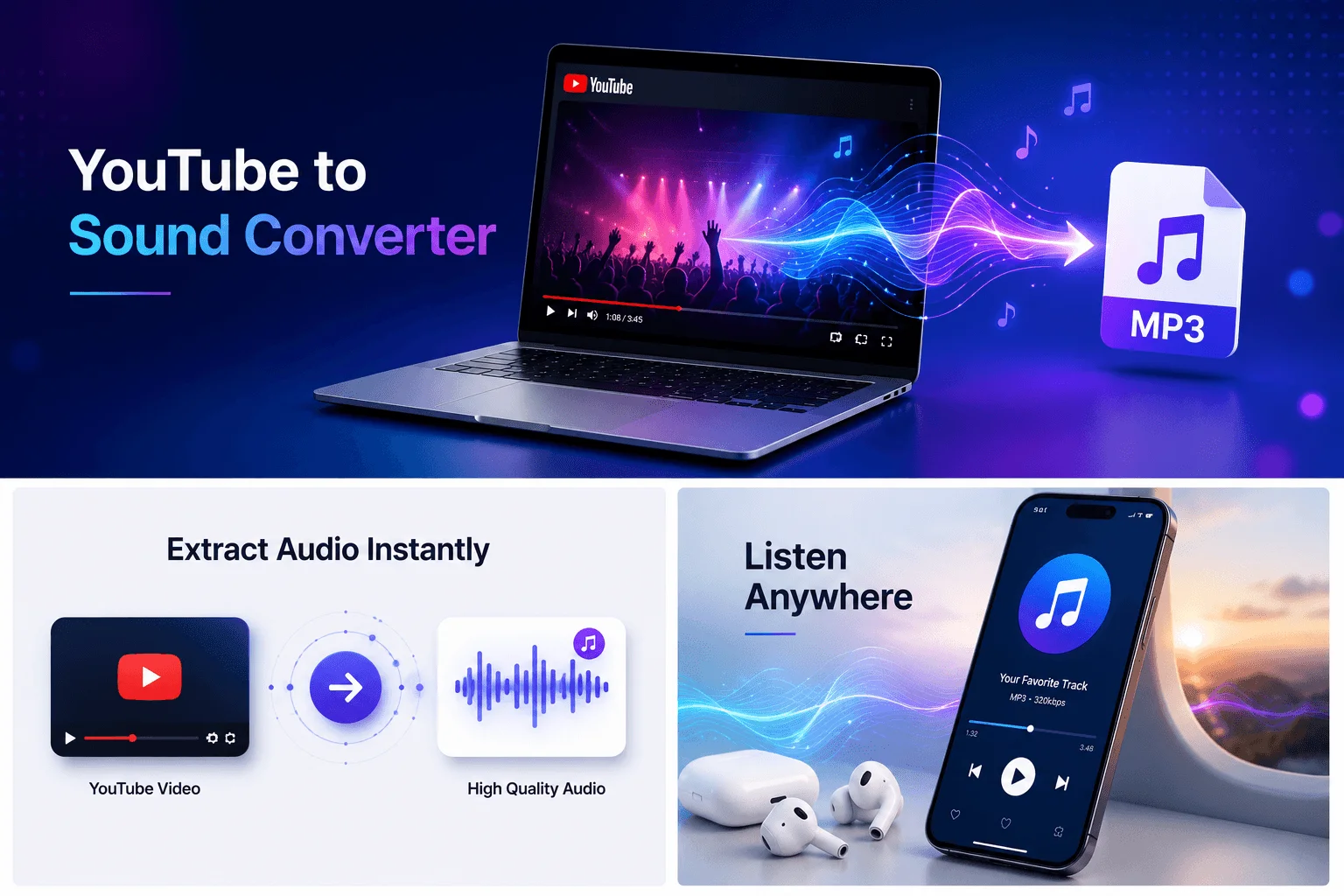
A YouTube to sound converter is an online tool that reads a YouTube video link, separates the audio track from the video, and re-saves that audio as a regular sound file — most commonly an MP3. Instead of a video file that includes both picture and sound, you end up with just the sound: something you can drop into a music player, a podcast app, or a voice memo folder.
People search for this in a few different ways — "youtube to mp3 converter," "youtube audio converter," "extract audio from youtube" — but the goal is the same in each case: get the sound out of a YouTube video and into a file you actually own a copy of. For a closer look at how this compares to other ways of saving media, see our audio download guide.
This is different from a video downloader, which saves the full video (picture and sound together) in formats like MP4. A sound converter only keeps the audio half of that equation, which means smaller files and something you can listen to without your screen even being on.
How a YouTube to Sound Converter Works
The process behind the scenes is more straightforward than it sounds:
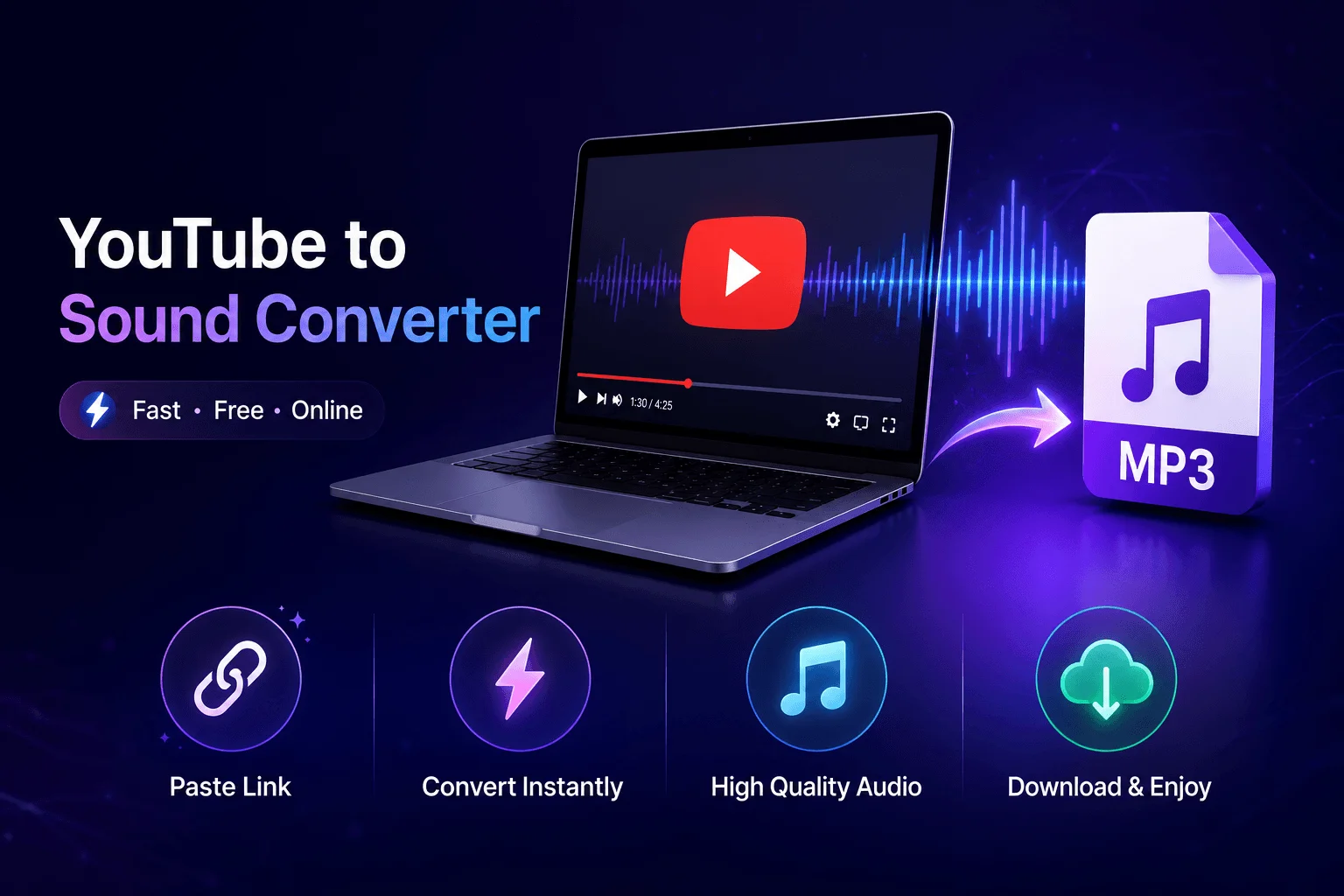
You provide a link. You copy the URL of a YouTube video and paste it into the converter.
The tool reads the video's data. It looks up the video and identifies the available audio stream.
The audio is extracted and encoded. The sound is pulled out and converted into a standard file type, usually MP3, at the bitrate (audio quality) you choose.
You download the finished file. Once encoding finishes, a download link appears, and the file saves to your device just like any other download.
In practice, this is fast — when I ran a typical 4-minute music video through YTClipTune at 320 kbps, the entire process from pasting the link to having the file on my device took about [X seconds]. None of it required installing anything on my computer or phone; the conversion happened entirely in the browser tab, on the converter's servers, not on my device. For a screenshot-by-screenshot walkthrough, see our guide on how to convert YouTube videos to MP3.
How to Convert YouTube to Sound With YTClipTune
Here's the exact process, start to finish:
Find the video on YouTube and copy its link — either from the address bar in your browser or from the Share button in the YouTube app.
Open YTClipTune and paste the link into the input box on the homepage.
Choose your output — pick the sound/MP3 format and select the audio quality you want.
Click Convert and let the tool process the file. In my own testing, a 45-minute podcast episode finished encoding in about [X minutes] — most shorter clips finish in well under a minute.
Download the file to your device, cloud storage, or wherever you keep your media.
That's the whole workflow. No account, no email address, and no software to install — just a link in, a sound file out.
Choosing the Right Audio Quality and Format
Audio quality for these conversions is measured in bitrate, expressed in kilobits per second (kbps). The higher the number, the richer the sound and the larger the file. To make that concrete: a typical 3-minute song works out to roughly 2.8 MB at 128 kbps, 4.2 MB at 192 kbps, and 7 MB at 320 kbps — bitrate times length divided by eight, the same math behind any MP3 regardless of which converter produces it.
128 kbps — Smaller file size, fine for spoken-word content like podcasts, audiobooks, or lecture recordings where crystal-clear fidelity matters less than file size.
192 kbps — A solid middle ground that works well for casual music listening on phone speakers or earbuds.
320 kbps — The highest standard MP3 quality, best for music you'll listen to on good headphones or speakers where detail in the audio actually matters.
If you're not sure which to pick, 192 kbps is a safe default for most people. Save 320 kbps for music you care about and 128 kbps for anything where you mainly need the words, not the production quality. For a closer look at when the higher setting is actually worth it, see our 320kbps YouTube converter guide.
Why a Browser-Based Converter Beats an App
A lot of people assume they need to download an app to convert YouTube videos to sound, but browser-based tools like YTClipTune have some real advantages:
Nothing to install. No app taking up storage, no permissions to grant, nothing to update.
Works on any device. The same tool functions on a laptop, an Android phone, or an iPad — anywhere you have a browser.
Lower risk. Installable "converter apps," especially from outside official app stores, are a common vector for unwanted software. A browser tool that runs and disappears when you close the tab carries far less of that risk.
No account required. You're not handing over an email address or creating yet another login to manage.
If you're weighing your options, our roundup of the best YouTube to MP3 site picks for 2026 breaks down what separates a clean tool from an ad-heavy one.
Common Ways People Use a YouTube to Sound Converter
The use cases are broader than just music:
Saving music to listen to offline, on a flight, or anywhere data is limited.
Pulling audio from interviews or panels to relisten to later, hands-free — our guide on how to pull audio from a YouTube video walks through a few more examples.
Converting lecture or course recordings into audio you can review while commuting or exercising.
Grabbing podcast segments that were originally only posted as YouTube videos.
Building a personal practice library — language lessons, instrument tutorials, voice samples.
Creating short audio clips for personal projects like voice memos or ringtones.
Is It Safe to Convert YouTube Videos to Sound?
Safety with any online converter comes down to a few practical habits:
Stick to the official site rather than copycat domains or pop-up ads claiming to be a converter.
Avoid tools that demand downloads, extensions, or account sign-ups just to convert one file — a legitimate converter doesn't need that much access.
Keep your browser and device updated, which protects you regardless of which site you're using.
Be mindful of what you're converting. Personal, non-commercial use of content you have the right to listen to offline is generally the safest territory. Laws and platform terms around downloading copyrighted material vary by country, so when in doubt, favor content you've created, licensed, or that's freely shared by its owner, and support the creators whose work you enjoy by following, subscribing, or buying their music where it's available.
For specifics on what data (if any) a converter collects, check the site's privacy policy, and review the terms of service for acceptable-use guidelines before converting copyrighted material.
Tips for Getting Clean Results Every Time
Use the full video URL, not a shortened or partial link — the standard
youtube.com/watch?v=...format works best.Double-check your format selection (sound vs. video) before hitting convert, since picking the wrong one is the most common mistake.
Expect longer processing for longer videos. A three-hour lecture will naturally take more time to encode than a three-minute song.
Try a different browser if a conversion stalls — occasionally a browser extension or outdated cache can interfere with the process.
Match the bitrate to the content, as covered above, so you're not stuck with a huge file for something that didn't need it.
Is using a YouTube to MP3 converter piracy?
Not inherently — converting audio you own, created, or have explicit permission to use isn't piracy. It crosses into copyright infringement when you convert and keep commercial music or videos you don't have rights to, since that violates both copyright law and YouTube's terms.
How can I avoid viruses using YT to MP3?
Stick to one ad-light, reputable converter, never click pop-ups or "Allow" notification prompts, and don't install any extension or app the site claims is "required" to download your file — that's almost always the actual malware vector, not the conversion itself.
Where to convert YouTube videos to audio?
A clean, browser-based converter with no forced sign-up or heavy ad load — for example, YTClipTune — is the safer route compared to ad-saturated clone sites that bury the real download button under fake ones.
Is YTMP3 safe in 2026?
Not reliably — YTMP3 itself isn't always a classic virus, but the ecosystem around it (pop-ups, redirects, fake download buttons, notification prompts, and cloned sites) carries real malware risk, and multiple 2026 security reviews flag it as unsafe for regular use.
What are the risks of using a YTMP3 converter?
The main risks are adware, notification spam, browser hijacking, potentially unwanted programs bundled into downloads, and malicious redirects from fake download buttons — rather than the conversion itself being infected.
Does YTMP3NU contain viruses?
Scans suggest the site's code itself usually isn't malicious, but the risk comes from its server-side ads and redirects, which can lead to malware or unwanted software if you click the wrong button — so caution and an ad blocker are recommended if you use it.
Final Thoughts
A YouTube to sound converter solves a simple problem: you want the audio, not the video, and you want it available without an internet connection. With a browser-based tool like YTClipTune, that's a paste-and-click process — no app, no account, no waiting around. Paste a link, pick your quality, and you've got a sound file ready to play anywhere.
Looking for more? Browse our full library of how-to guides for tips on getting the most out of YTClipTune.
Ready to try it? Head to YTClipTune and convert your first YouTube video to sound in under a minute.
Read more: Youtube Downloader 1080p